LogoPearPass

How to Turn On Autofill

Autofill suggests saved credentials when signing in to apps and websites. PearPass currently supports autofill on mobile devices.
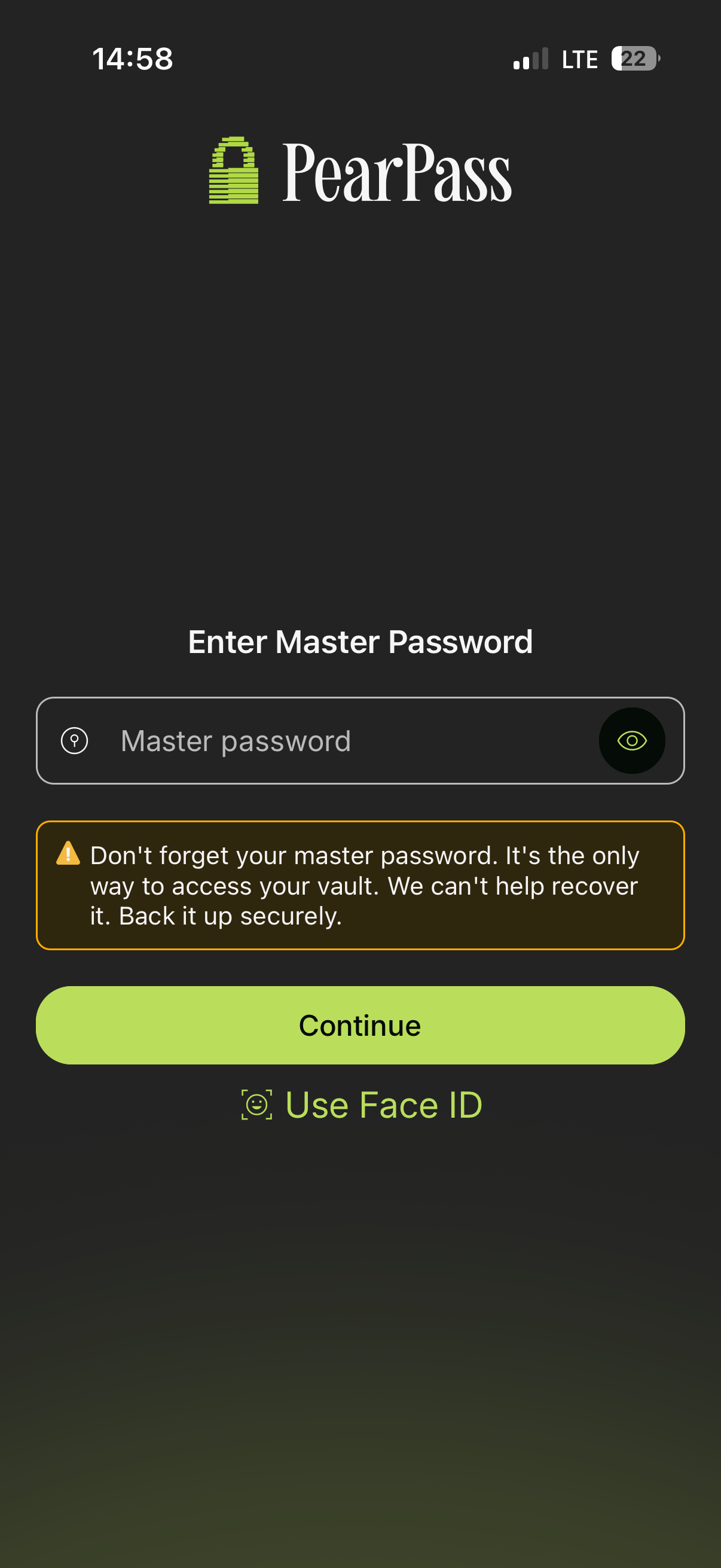
Open PearPass and sign in

Open the PearPass app and sign in with your master password.

Mobile sign in

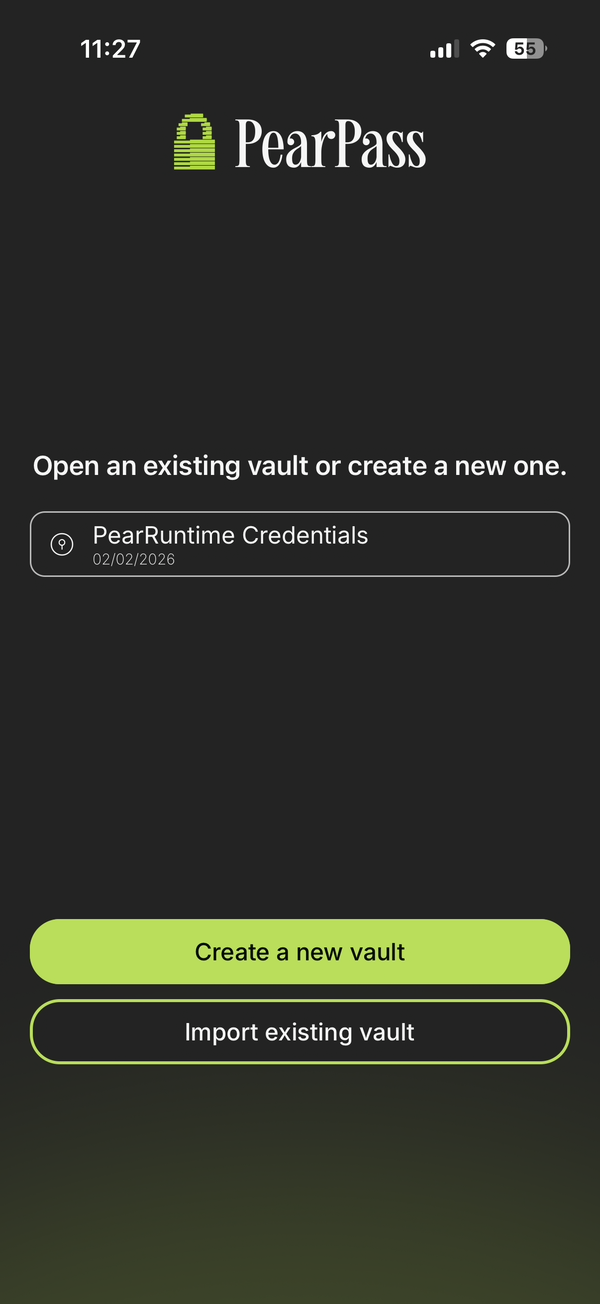
Select a vault

Choose a vault from your vault list.

Vault list

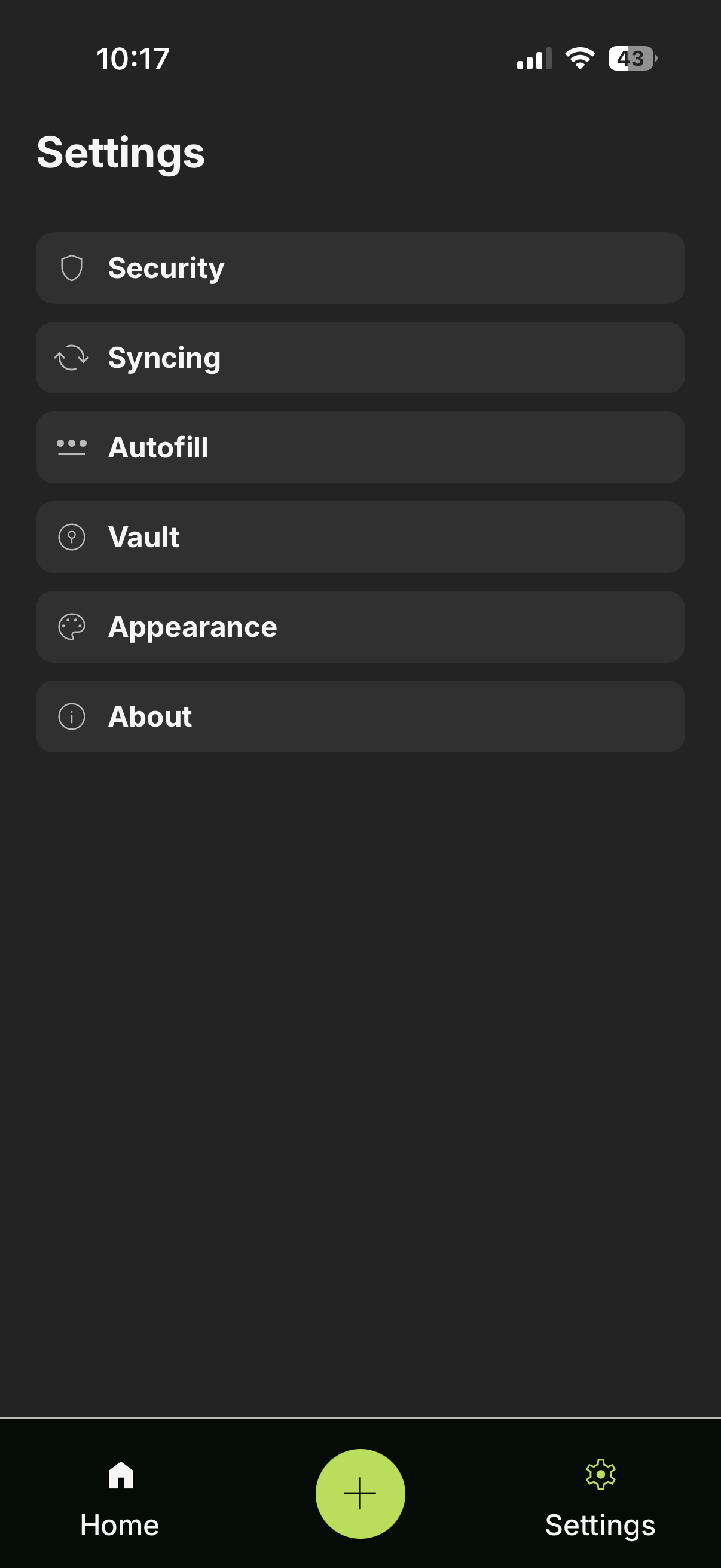
Open Settings

Tap Settings.

Settings

Open Autofill

Tap Autofill from the menu.

Autofill menu

Turn on Autofill

Tap Turn on Autofill and follow your device's prompts to enable autofill in your system settings.
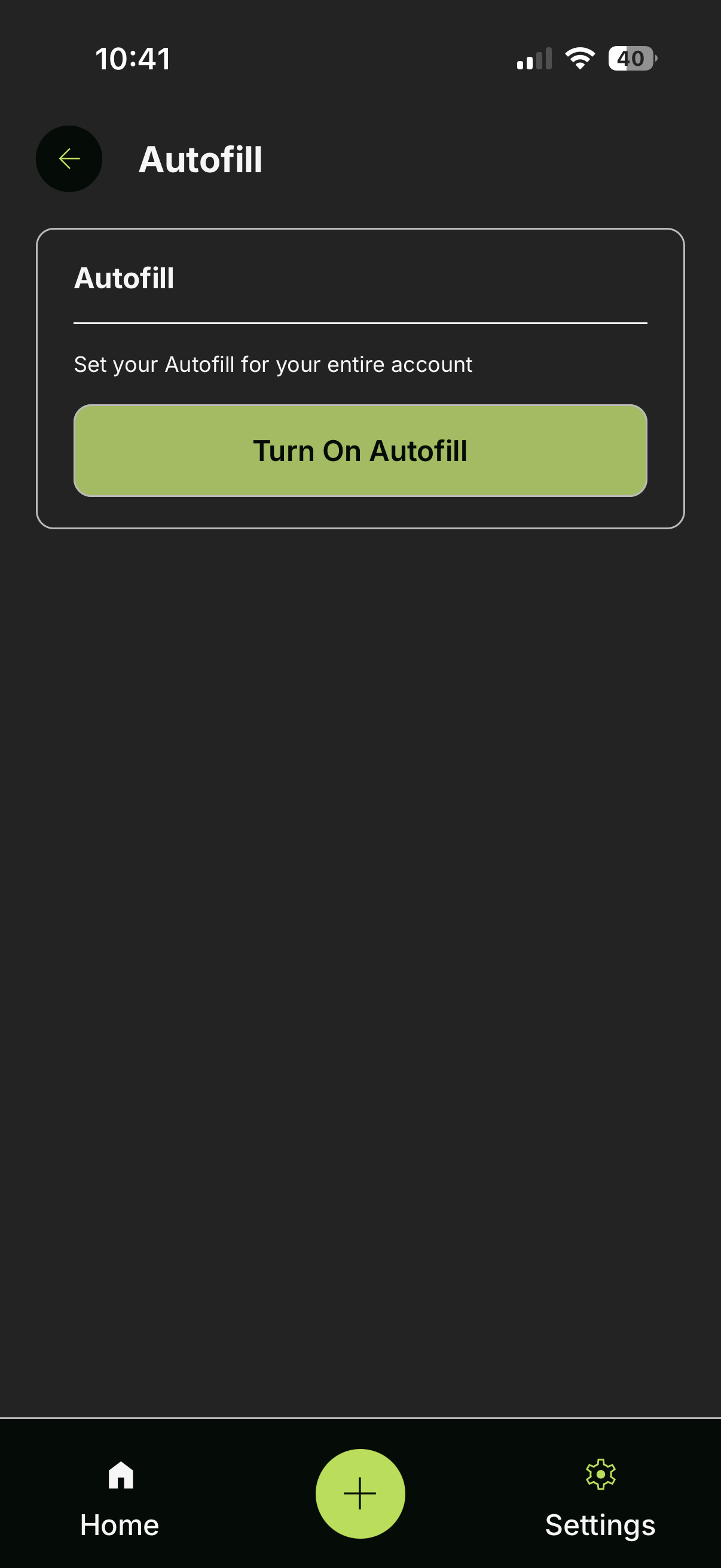
Turn on Autofill

On this page